After the short snippet in the newsletter, I thought it was time to dive a deeper into this topic. This isn’t a step-by-step guide on how to update, but rather a wake-up call on why you need to start planning it right now. This post alone won’t answer all your questions, but hopefully it will get you thinking and help you get started with the topic. 🙂
BTW: Follow-up posts on this topic will certainly follow.
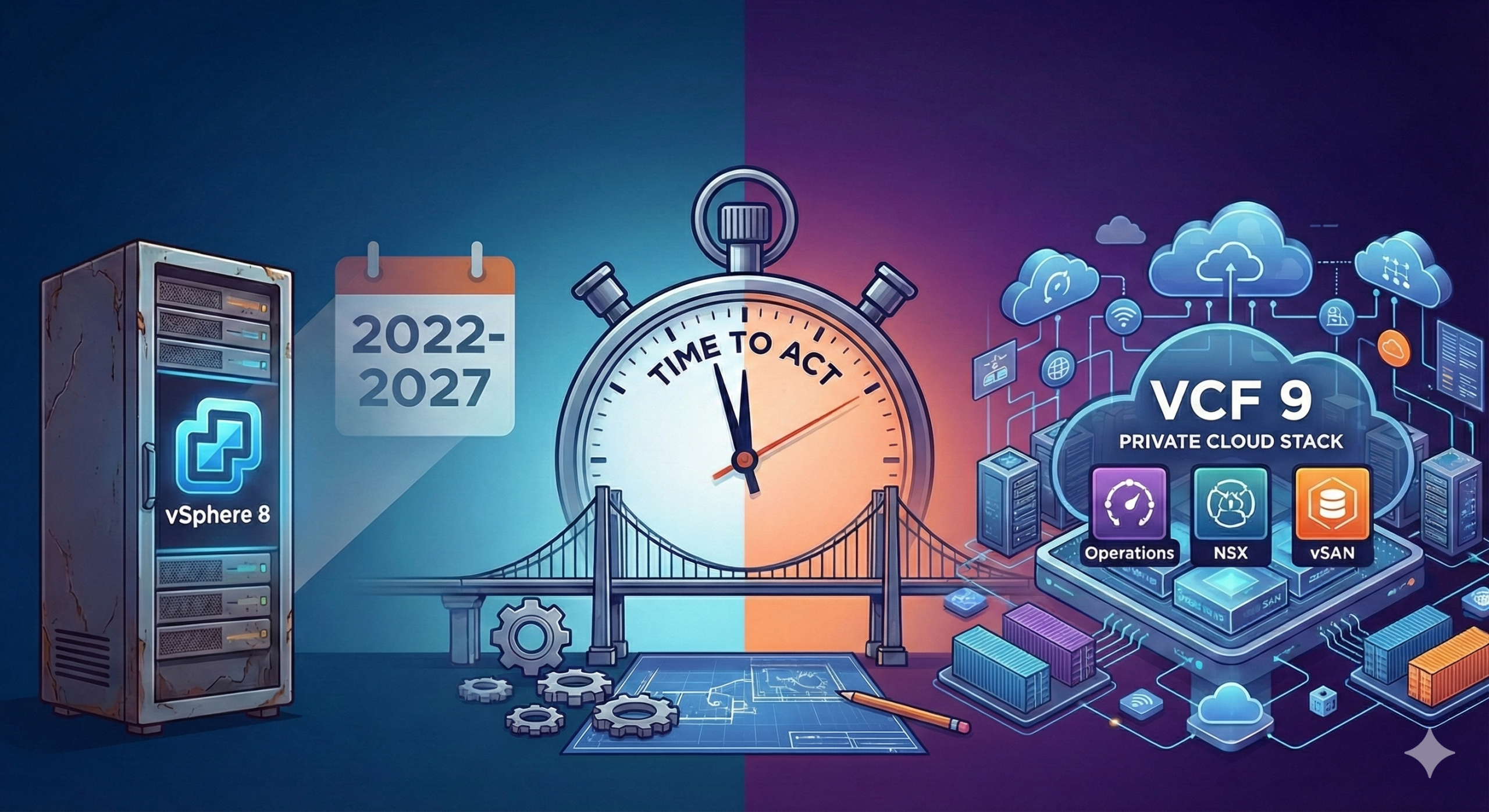
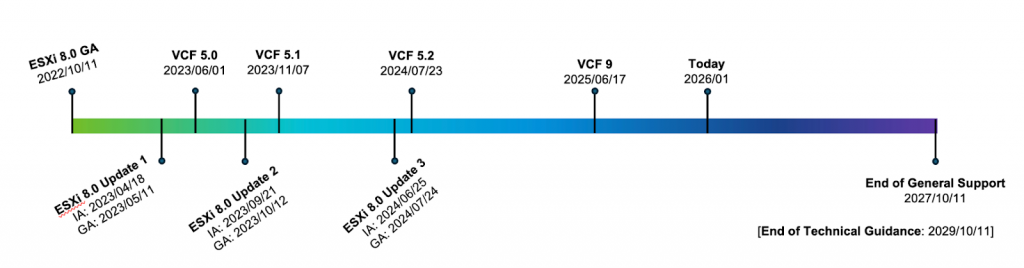
vSphere 8 was released a little over 3 years and 3 months ago. With a 5-year cycle between GA and EOGS (End of General Support), we are already about 65% of the way through. We have just under 35% left—or to put it simply: We have roughly 1 year and 9 months remaining.
Since the „upgrade“ from 8 to 9 is a completely different beast compared to what most VMware Admins are used to, this is not a topic anyone should be pushing down the road.
Upgrade to „9“ – It’s a new game
To simply call this an „upgrade“ definitely doesn’t do it justice. For many, the feeling might be comparable to the EOL of the C# Client back in the day—everything new is annoying at first. Simply upgrading vCenter and then the hosts just won’t cut it this time.
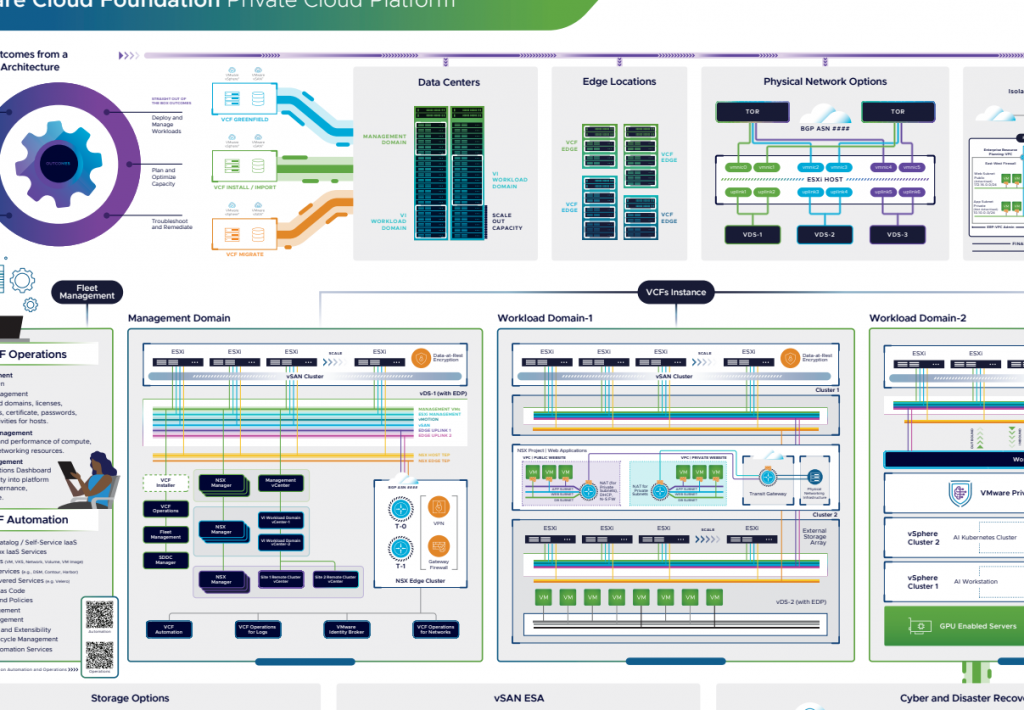
VVF or VCF? That’s the first big question. Ideally, VMware wants us on VCF (VMware Cloud Foundation) – that much is clear (from my point of view). And VCF is more than just a bit of virtualization; it’s much more than just saying „I have my hypervisor.“ It is the complete stack for building your own „little“ Private Cloud.
The concept of Management Domains and Workload Domains isn’t exactly new. Most of us have lived this design anyway. vSAN is also already in use or being tested by many of us. In my opinion, NSX is somewhat more common, and although many use Aria products, this is often limited to the area of operations.
And that brings us to the new core of VCF: Operations! Nothing works without Operations anymore. Licensing? Operations! Images? Operations! Lifecycle? Operations! It goes on and on. Operations is the heart of VCF. It doesn’t work without it, and honestly, that’s a good thing—because you can’t run a serious environment without monitoring anyway.
So, to summarize: Simply upgrading components individually is over. First, we grab the VCF Installer to deploy Operations, the initial Management environment, and other components. Since everything needs to be on „9“ by late 2027, the scope is much larger than before.
Compatibility & Hardware
It’s not just the upgrade itself that eats up time; like every upgrade in the past, it’s the preparation. Compatibility must be checked. Is everything I currently want to use for the VCF environment actually certified for version 9? A „quick“ look at the Compability Guide usually isn’t enough, and this topic alone can eat up hours or even days. And please don’t forget to check your 3rd Party Products.
It used to be different: host in maintenance mode, update, reboot, done. Now we ask ourselves: How do I get from my “legacy vSphere” to the VCF world? Because it’s not just the vCenter and the hosts in combination, as discussed, but the entire stack. Because VMware is more than “just” a hypervisor.
Team Education
Technology is one thing, but who is going to fly this spaceship? Many vSphere Admins are fit in ESXi and vCenter. But what about NSX? In VCF, NSX is the standard for networking – not requiered but recommended. If your team has steered clear of SDN so far, you have a learning curve ahead of you.
The same applies to Aria Operations. If the tool is now mandatory for license reporting and capacity planning, the team needs to know how to read and interpret dashboards. Training must be on the schedule—before the house is on fire.
Besides countless VMware VCF webinars, VMUG webinars and Explore recordings, there are also the excellent VCF Experience Days. Just talk to your VMware contact and visit one of the upcoming Experience Days to see it live. And if you want to get your hands dirty before that, check out the Holodeck or the VCF 9 Hands-on Labs.
My Conclusion: Start Now!
So why the stress if we still have almost two years? Because the points mentioned above aren’t „weekend projects.“ Planning, training staff, and cleaning up legacy configurations requires lead time.
Those who start developing their strategy (Greenfield vs. Brownfield) and checking hardware now can run this transition as a relaxed project. Those who wait until support is about to run out will experience a hectic migration.
So: Check your HCLs, take a look at NSX, and start planning. The clock is ticking, but for now, it’s still in our own hands.
Usefull links:
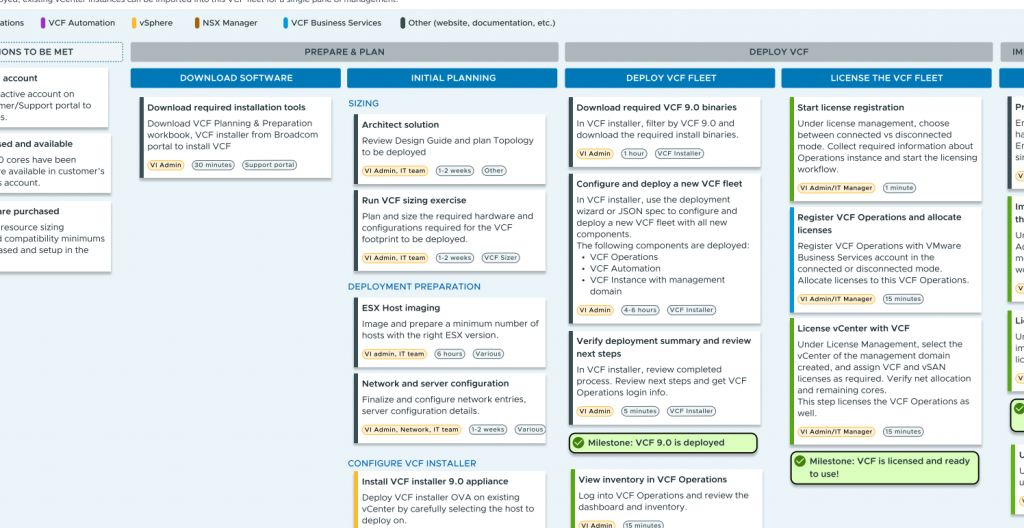
VMware Cloud Foundation 9.0 – Customer Journey Map – Build – Install a New VMware Cloud Foundation Deployment
Comprehensive VCF 9 Upgrade Paths Overview
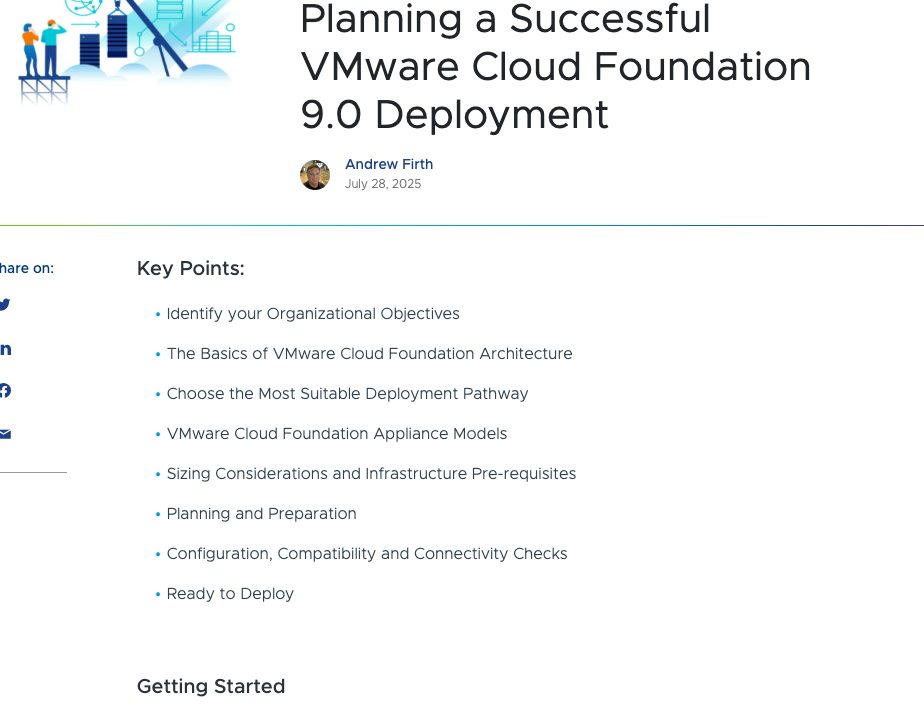
Planning a Successful VMware Cloud Foundation 9.0 Deployment
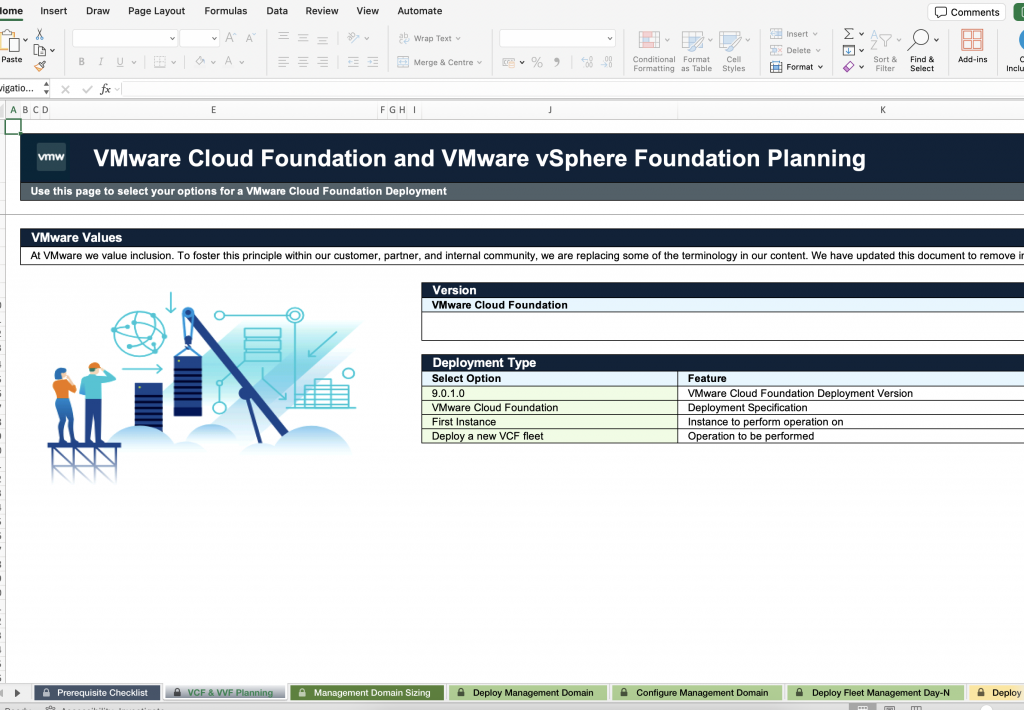
Planning and Preparation Workbook
VMware Cloud Foundation Architecture Poster